No-login mini publishing
Paste Text and Share Link
Paste text, create a clean share link, and send a readable temporary text page without asking anyone to sign in.
Launch offer: Checking today's free permanent link slots...
Why BlankPage.one exists
Best for turning plain text into a readable link in one simple flow.
Paste text and share a link when a chat message is too messy and a full document is too heavy.
Paste or type directly into the editor.
Create a 7-day text link without login.
Readers get a focused page with copy and print actions.
Upgrade only the links that need to stay online.

How it works
From blank page to shareable note in one flow
The homepage is the product. You do not land on a sales page first; you start with the blank writing surface, then use the tools only when the text is ready.
Write on a blank page
Open the editor, type or paste your text, and let the draft autosave in this browser.
Copy, download, or print
Use the toolbar for copy, TXT, Markdown, print, or Save as PDF without changing apps.
Share only when needed
Create a 7-day note link, then make that exact link permanent if it becomes useful.
Free temporary link
Share a readable note page that expires after 7 days by default.
Free daily permanent slots
The first 10 permanent upgrades each day are free. After the daily slots are gone, one note can be kept forever for $2.99.
Reader-friendly page
Public note pages are clean, copyable, printable, and excluded from search indexing.
Paste-first workflow
Turn copied text into a link without opening a document
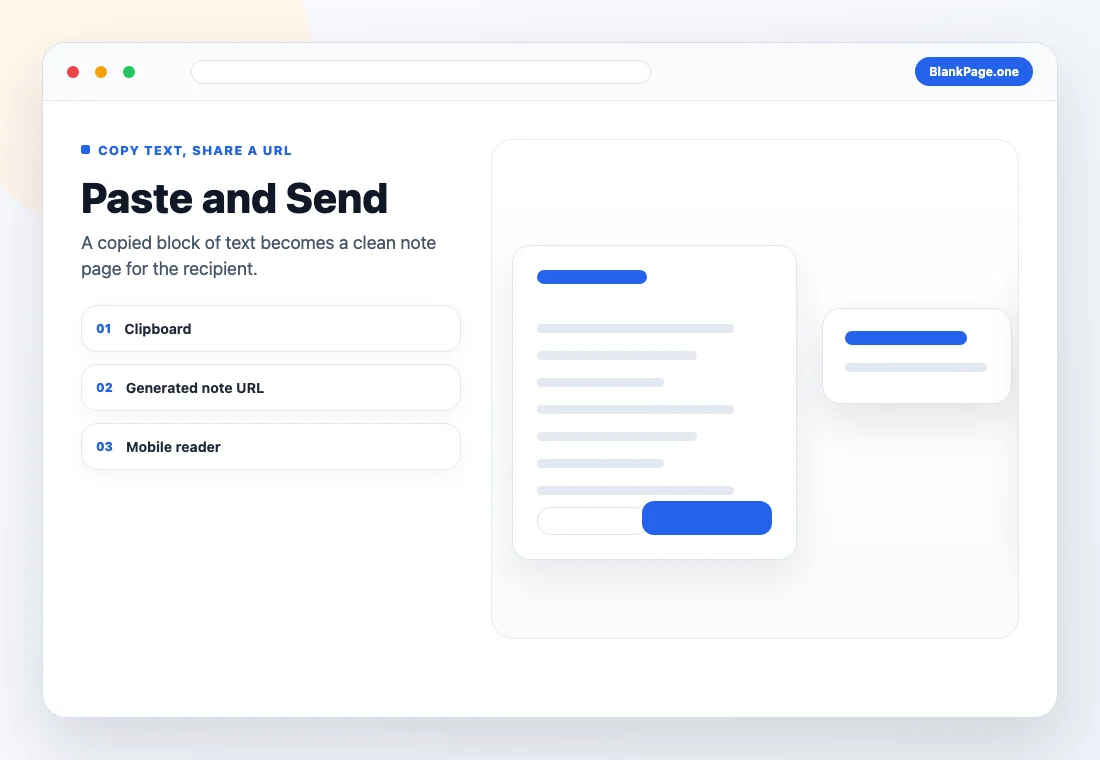
This page is for moments when the text already exists somewhere else. Paste it, check the final copy, create a short-lived note URL, and send the link instead of filling a chat thread with a long block of text.
Copied text
Use it for support replies, handoff notes, copied instructions, or any plain text that needs a cleaner container.
Generated URL
The share step creates a readable note page so recipients can open, copy, and print the text without an account.
Temporary by default
The 7-day window fits pasted text that only matters for a short exchange, while permanent links remain optional.
Use cases
Built for lightweight text sharing
When to use it
A lightweight alternative to sending a full document
BlankPage.one is intentionally narrow: plain text in, readable page out. That makes it fast for low-friction tasks where a full workspace, account, or formatting system would slow you down.
BlankPage.one
Best for quick plain-text notes, letters, checklists, instructions, printing, and lightweight public pages.
Google Docs or Notion
Better for collaborative editing, rich formatting, long documents, team permissions, and file organization.
Chat or email
Useful for conversation, but long text can get buried. A standalone note link is easier to read and reuse.
Good fit
- A temporary note link for a client, teammate, student, or support reply.
- A clean online letter writer when you need to print or save a PDF quickly.
- A blank page to type on from a shared computer or browser-only device.
- Instructions, announcements, checklists, and simple public text pages.
Not the right place for
- Passwords, private keys, medical records, or other sensitive secrets.
- Collaborative documents that need comments, permissions, or version history.
- Complex layouts, tables, images, spreadsheets, or polished document design.
Other ways to use BlankPage.one
Pick the page that matches what you are doing
Typing something quick, printing a page, drafting a letter, or handing text to someone as a link are different jobs. Each page below is set up for one of them, with its own guidance and defaults.
Also useful
Need a URL for an image?
BlankPage.one turns writing into a shareable text page. If you need a direct image link for Markdown, HTML, or a forum post, ImageToURL converts an upload or a pasted image into a URL in seconds.
Free Image to URL Converter
Upload or paste an image, then copy a direct image URL.
FAQ
Common questions
How do I paste text and share a link?
Paste your text into the editor, click Share, and copy the generated note URL. The recipient can open the text page without an account.
Do I need to sign up to create a text link?
No. The core flow lets you paste text, create a 7-day link, copy, print, and download without signing in.
How long does a pasted text link stay online?
Free shared text links last 7 days. If the text becomes important, you can make that exact link permanent.
Can I paste long text?
Yes. A shared note can contain up to 30,000 characters, which is enough for most notes, letters, checklists, and instructions.
Can readers edit the pasted text?
No. Shared pages are read-only for recipients, so the text stays stable after you send the link.
Is this the same as a pastebin?
It is similar for quick text sharing, but BlankPage.one is focused on readable notes, letters, checklists, and instructions rather than code archives.
Can I print the pasted text page?
Yes. You can print from the editor before sharing, and recipients can print from the public note page.
Can I share pasted text privately?
Treat every shared link as public to anyone who has the URL. Do not paste passwords, private keys, or sensitive personal data.
Can I download the pasted text instead of sharing?
Yes. Use the download actions to save the text as TXT or Markdown when you want a local file instead of a link.
Can I make a pasted text link permanent?
Yes. Use the permanent link upgrade when a specific text page should stay online beyond the free 7-day window.