No-login mini publishing
Type and Print Online
Type and print online from a clean browser page, or save your writing as PDF, TXT, Markdown, or a share link.
Launch offer: Checking today's free permanent link slots...
Why BlankPage.one exists
Best for simple text that needs clean printing from the browser.
Type and print online when you need a quick paper or PDF output without opening a word processor.
Clean print view keeps toolbars out of the output.
No file setup before typing.
Download TXT or Markdown before printing.
Shareable link available for the same text.

How it works
From blank page to shareable note in one flow
The homepage is the product. You do not land on a sales page first; you start with the blank writing surface, then use the tools only when the text is ready.
Write on a blank page
Open the editor, type or paste your text, and let the draft autosave in this browser.
Copy, download, or print
Use the toolbar for copy, TXT, Markdown, print, or Save as PDF without changing apps.
Share only when needed
Create a 7-day note link, then make that exact link permanent if it becomes useful.
Free temporary link
Share a readable note page that expires after 7 days by default.
Free daily permanent slots
The first 10 permanent upgrades each day are free. After the daily slots are gone, one note can be kept forever for $2.99.
Reader-friendly page
Public note pages are clean, copyable, printable, and excluded from search indexing.
Fast typing to paper
Start with typing, finish with a simple printed page
Type and Print Online is best framed around speed. Users are not planning a formal document; they want to type a sign, checklist, letter, or note and get a clean paper or PDF result quickly.
Quick text
Good for short signs, class notes, one-page checklists, reminders, and simple notices.
No file setup
The page skips template pickers and document naming before the user can type.
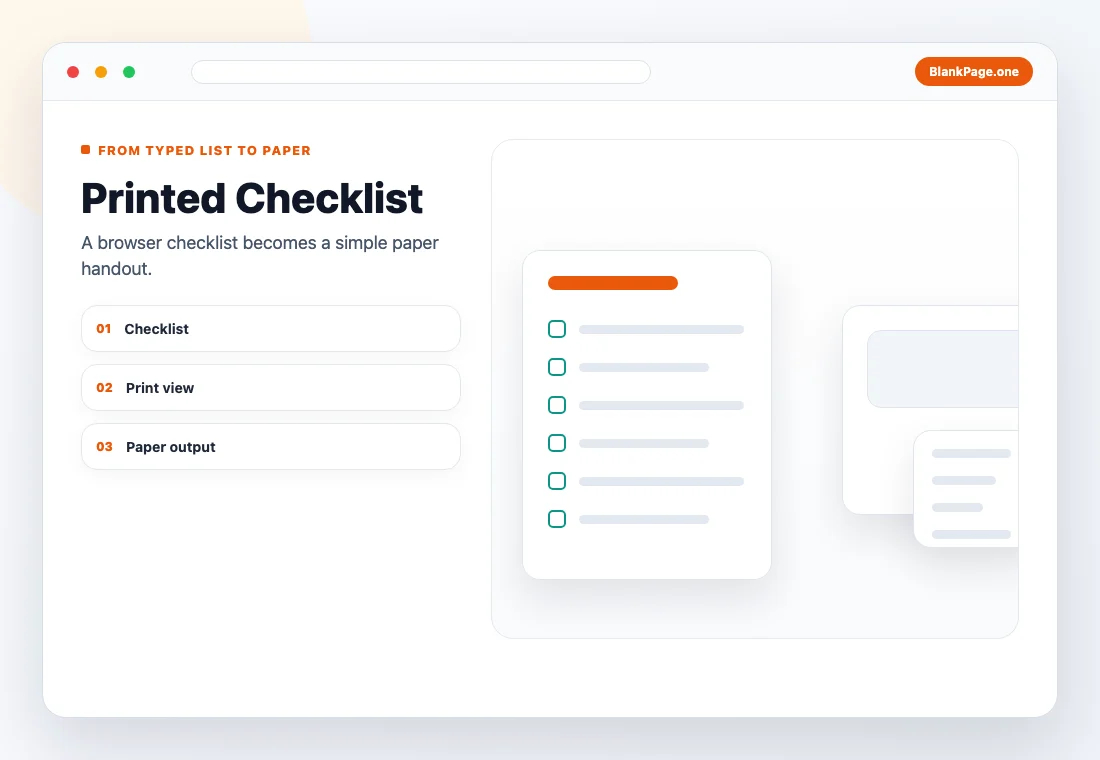
Print or PDF
The same browser print action can go to a printer or become a PDF file.
Use cases
Built for lightweight text sharing
When to use it
A lightweight alternative to sending a full document
BlankPage.one is intentionally narrow: plain text in, readable page out. That makes it fast for low-friction tasks where a full workspace, account, or formatting system would slow you down.
BlankPage.one
Best for quick plain-text notes, letters, checklists, instructions, printing, and lightweight public pages.
Google Docs or Notion
Better for collaborative editing, rich formatting, long documents, team permissions, and file organization.
Chat or email
Useful for conversation, but long text can get buried. A standalone note link is easier to read and reuse.
Good fit
- A temporary note link for a client, teammate, student, or support reply.
- A clean online letter writer when you need to print or save a PDF quickly.
- A blank page to type on from a shared computer or browser-only device.
- Instructions, announcements, checklists, and simple public text pages.
Not the right place for
- Passwords, private keys, medical records, or other sensitive secrets.
- Collaborative documents that need comments, permissions, or version history.
- Complex layouts, tables, images, spreadsheets, or polished document design.
Other ways to use BlankPage.one
Pick the page that matches what you are doing
Typing something quick, printing a page, drafting a letter, or handing text to someone as a link are different jobs. Each page below is set up for one of them, with its own guidance and defaults.
Also useful
Need a URL for an image?
BlankPage.one turns writing into a shareable text page. If you need a direct image link for Markdown, HTML, or a forum post, ImageToURL converts an upload or a pasted image into a URL in seconds.
Free Image to URL Converter
Upload or paste an image, then copy a direct image URL.
FAQ
Common questions
How do I type and print online?
Start typing in the editor, then click the print button. Your browser will open a clean print view.
Can I save what I type as a PDF?
Yes. Choose Save as PDF in your browser print dialog after opening the clean print view.
Will the printed page include the website toolbar?
No. The print action uses a plain text print layout focused on your writing.
Can I type and print online without Word or Google Docs?
Yes. This page is for quick plain-text printing directly from the browser.
Can I copy or download what I typed?
Yes. You can copy the text, download it as TXT or Markdown, or use your browser to save it as PDF.
Can I type and print from my phone?
Yes. Mobile browser printing depends on your device and printer setup, but the editor itself works on phones and tablets.
Can I create a link for the typed text?
Yes. Use Share when the printed text also needs a readable online version.
Can I change font size before printing?
The clean print view uses readable default text. Browser print settings can adjust scale, margins, and paper size.
Can I type and print labels, signs, or instructions?
Yes. It works well for simple signs, instructions, labels, checklists, and short text that needs quick paper output.